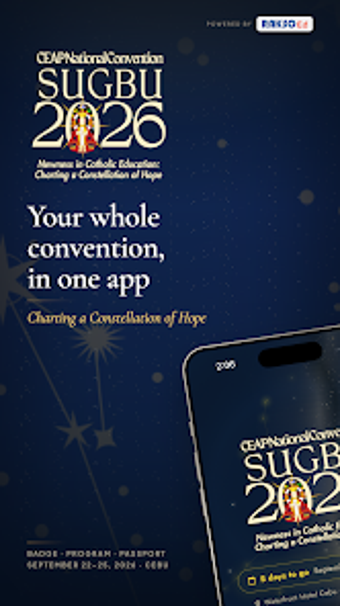
Event companion app for CEAP convention delegates' on-site needs
My CEAP, developed by Rakso Computer Technology, is a mobile companion for registered CEAP National Convention delegates that replaces printed materials at the event. The app centralizes schedules, speaker profiles, venue maps, and a QR-coded digital delegate badge for check-ins. It also supports live polls, Q&A, a photo wall, and in-app certificate downloads. Intended for Catholic school administrators, superintendents, and educators, the app aims to simplify on-site navigation and session participation during the convention.
How the app organizes a delegate's day
The app acts as a daily program by presenting the full convention schedule and a personalized itinerary where delegates can save sessions. The personalized schedule function lets users browse the full program and add items to a custom itinerary, which helps a delegate decide which plenaries and breakout sessions to attend without consulting printed timetables. This replaces carrying a paper program and supports quick session planning during busy conference hours.
What it does for check-in and attendance
The app uses a QR-coded digital delegate badge for paperless registration and session check-ins; this badge handles entry to sessions and is tied to each delegate’s registered email. After the convention, delegates can generate and download an official Certificate of Attendance directly from the app, enabling administrative closure without a separate paperwork queue. The Convention Passport feature also records booth and meal-area check-ins to encourage visiting sponsors.
How it supports interaction and venue navigation
The app integrates live polling and Q&A so delegates can vote and submit questions in real time during sessions, which aims to increase engagement between speakers and attendees. An interactive venue map provides digital floor plans for ballrooms, sponsor halls, and breakout rooms, assisting delegates in finding sessions and exhibitor locations rapidly. The app also hosts a shared photo wall where attendees can upload and view convention images while on the floor.
Who it connects with and privacy mechanics
The app is available for Android and is compatible with iOS devices, and it requires delegates to sign in with the email used during convention registration, which ties access to registered attendees only. Because the app issues QR-coded IDs and delivers localized convention functions, sign-in and badge data are used to verify attendance and generate certificates. Account-based access controls restrict features to registered delegates rather than open public use.
To sum up, a practical on-site tool for CEAP delegates
To sum up, My CEAP is a practical option for convention attendees who want a single place to manage schedules, attend sessions, and receive official certificates; its QR badge and in-app certificate generation reduce paper handling and administrative steps. It may be less useful for non-registered visitors because access requires the registration email. Tip: enable push notifications to catch live-poll prompts and session updates during busy program hours.